Support
Get help with the two cats expense splitting app for iPhone.
Write to us
Email is the fastest way to reach a person.
Common questions
How do I sign in with my phone number?
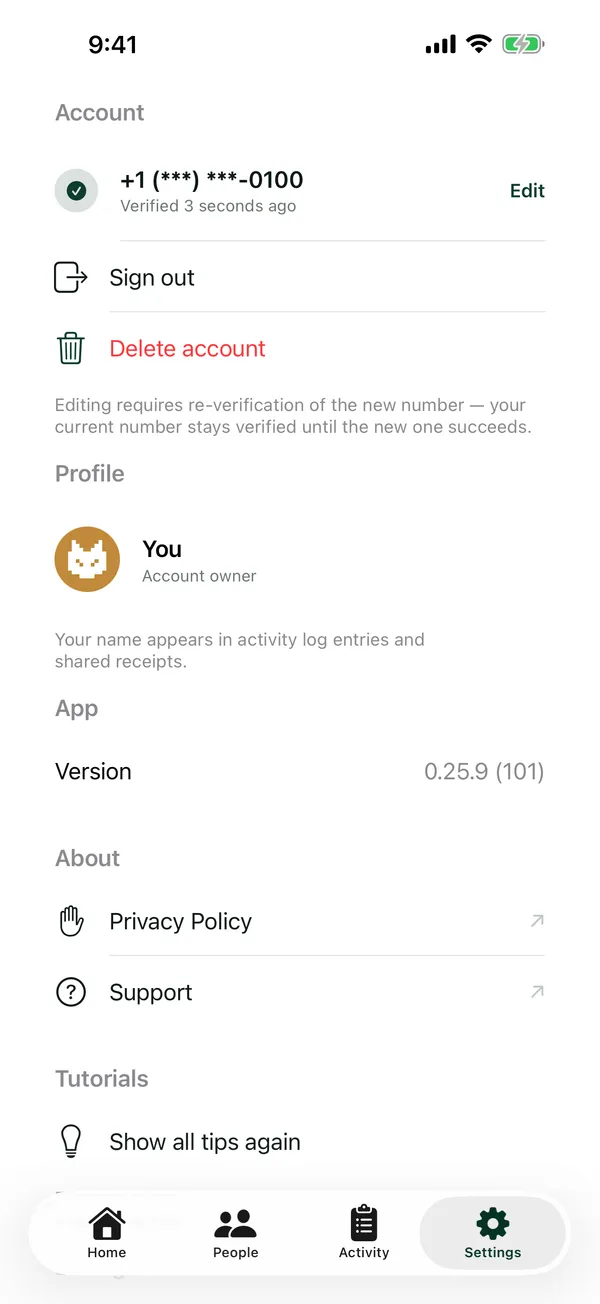
Go to Settings → Add phone number, enter your number, then type the 6-digit code we text you. You don't need to sign in to use two cats; signing in backs up your ledger so you can restore it on a new iPhone, and lets you share expenses with other people.
I didn't get a code
During the beta, sign-in works only with US and Canadian (+1) numbers. Check the number and try again. After several tries in a short time, you may need to wait up to an hour before another code can be sent. If it still doesn't arrive, email us.
How do I move to a new iPhone?
Sign in with your phone number on your current iPhone so your ledger is backed up. Then install two cats on the new one, tap “Sign in to restore” and sign in with the same number. A ledger that was never signed in stays on the iPhone it was made on.
How do I report a bug in the beta?
Take a screenshot, tap its preview, then tap Share Beta Feedback. You can also open the TestFlight app, choose two cats and tap Send Beta Feedback. If the app offers to “Send a report” after an error, that report helps too; it contains no names, amounts or phone numbers.
How do I delete my account?
Settings → Delete account. The privacy policy explains what's removed.
Read how your data is handled in the privacy policy.