Snap a photo of the bill and two cats reads the line items for you. Tap who had what: the pasta is yours, the wine is shared three ways. Tax is spread across the items in proportion to their prices (you can adjust it item by item), and the receipt photo stays attached to the expense.
TRATTORIA
Sep 23 · Table 6
House red, carafe21.00÷ 3
Cacio e pepe15.00
Margherita12.00
Insalata10.00
Tiramisu7.00
Subtotal65.00
Tax 9%5.85
Total$70.85
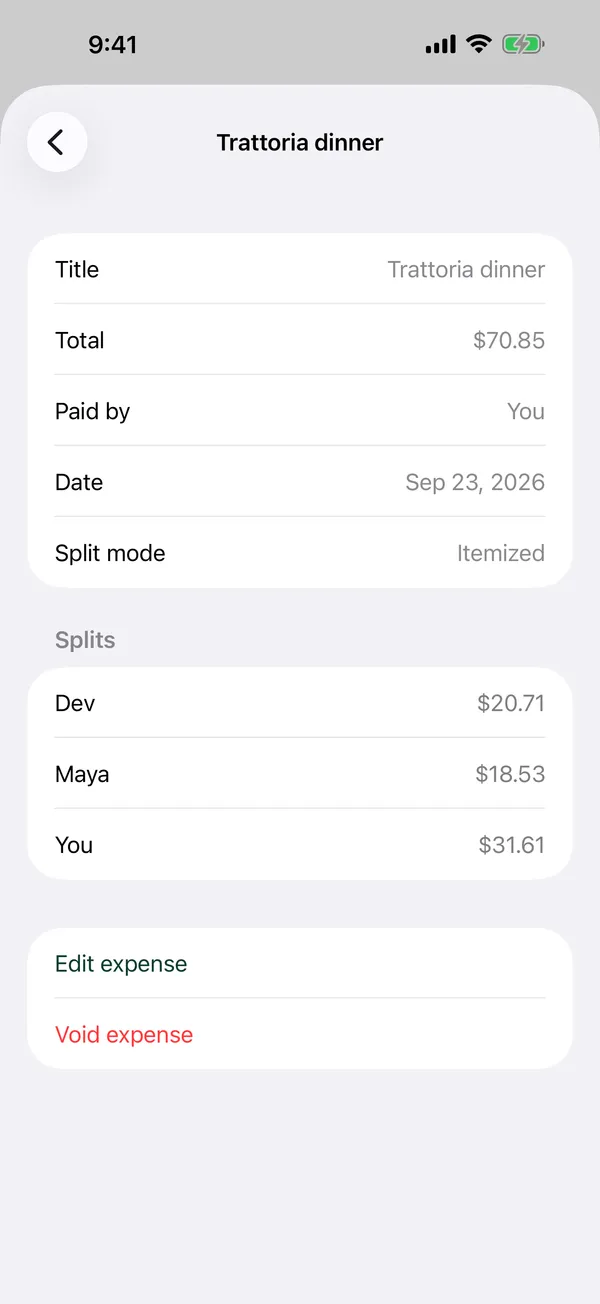
Illustration of a Trattoria receipt totalling $70.85, with each item tagged to the people who had it.
02 · Split modes
Split it the way you agreed.
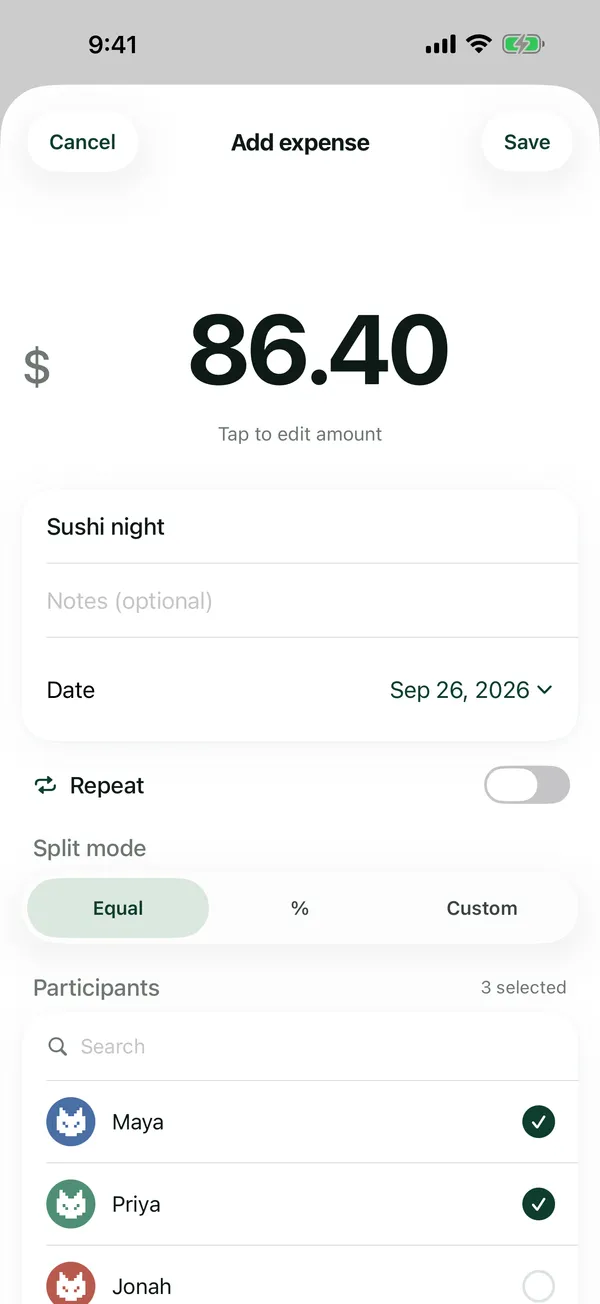
Evenly, by percentage, or by exact amounts. When a bill doesn't divide evenly, the extra cent stays with whoever paid, so the numbers always add up.
03 · Groups
Groups for trips, homes and dinner clubs.
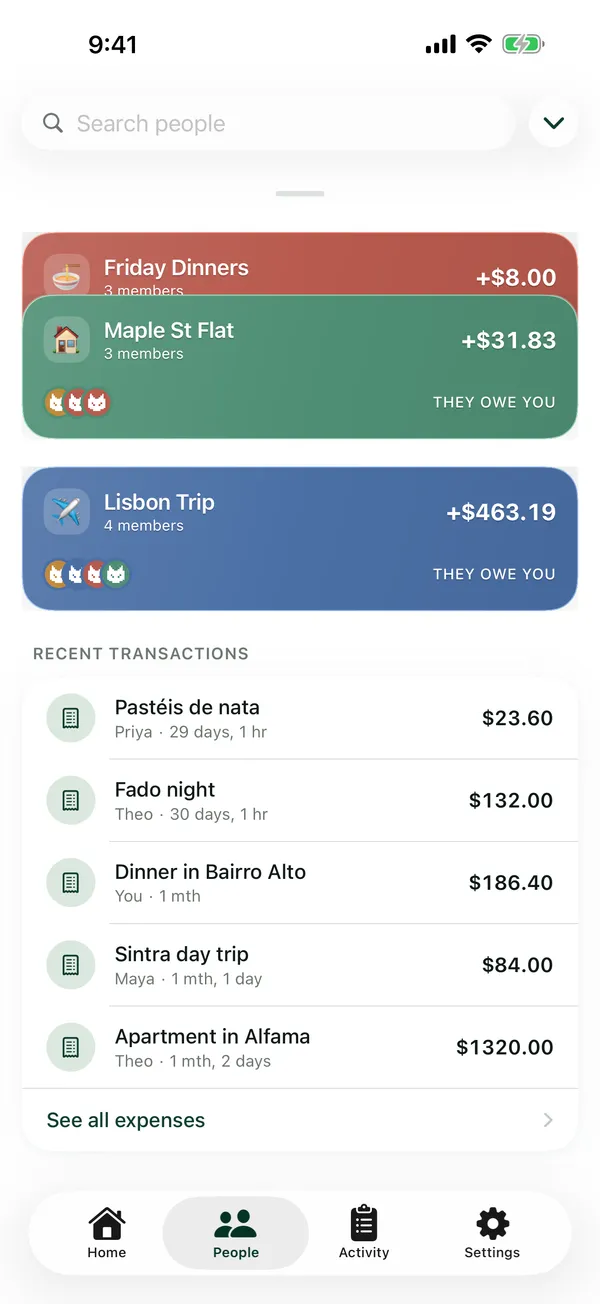
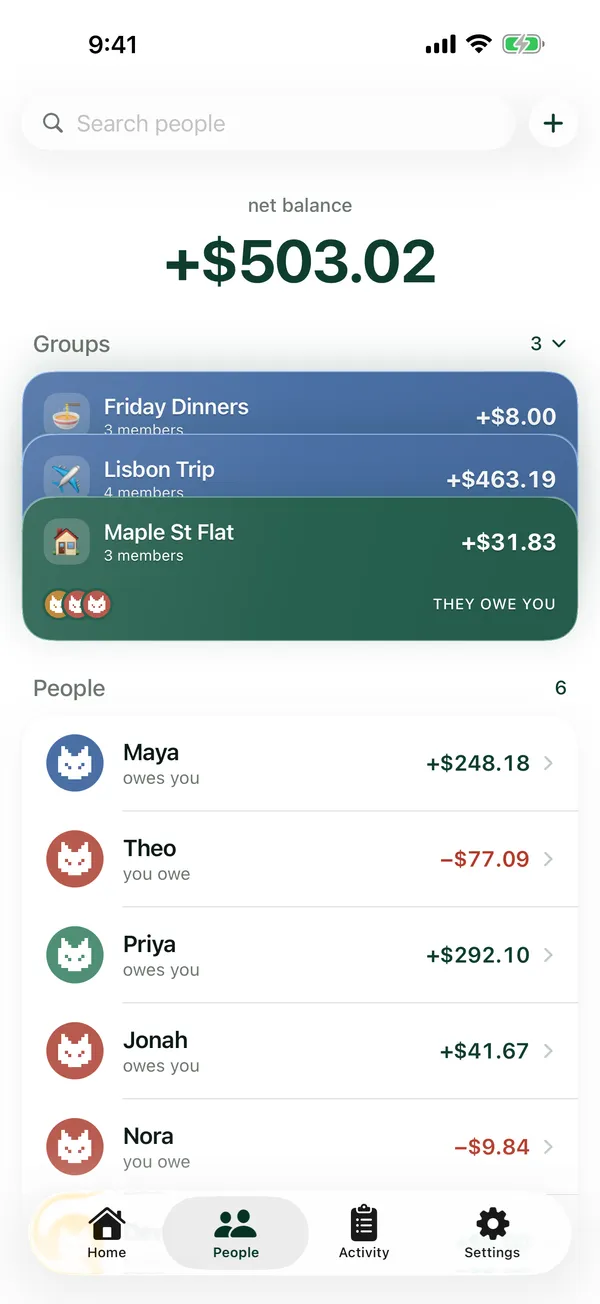
Put the flat, the Lisbon trip and Friday dinners in their own groups. Each group shows its own balance, and adding an expense to a group fills in who's in it.
04 · Recurring bills
Rent and bills that repeat.
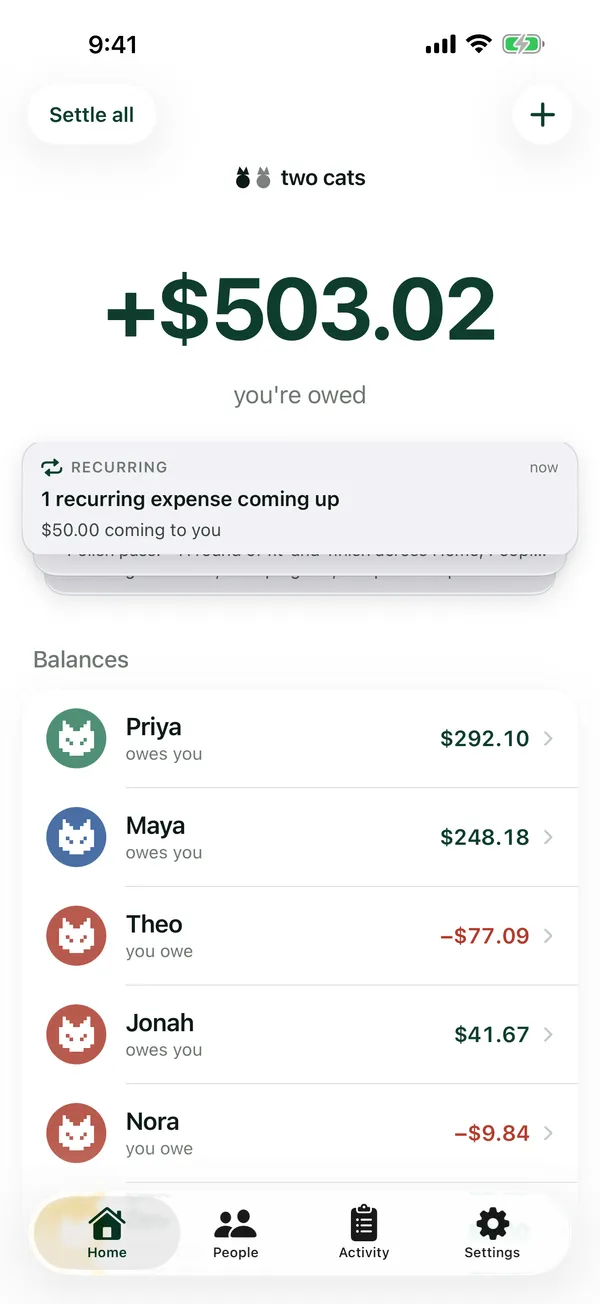
Set an expense to repeat and two cats reminds you on the Home screen before it's due. Post it or skip it, and pause or end a repeating bill whenever things change.
05 · Balances
One clear number with each person.
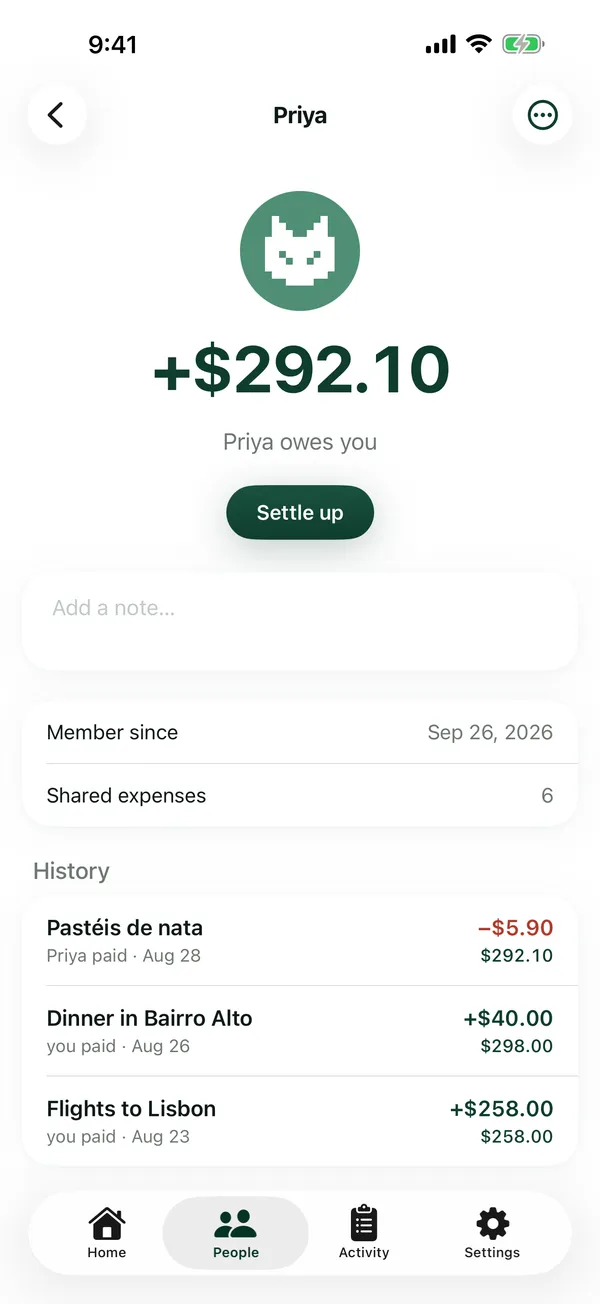
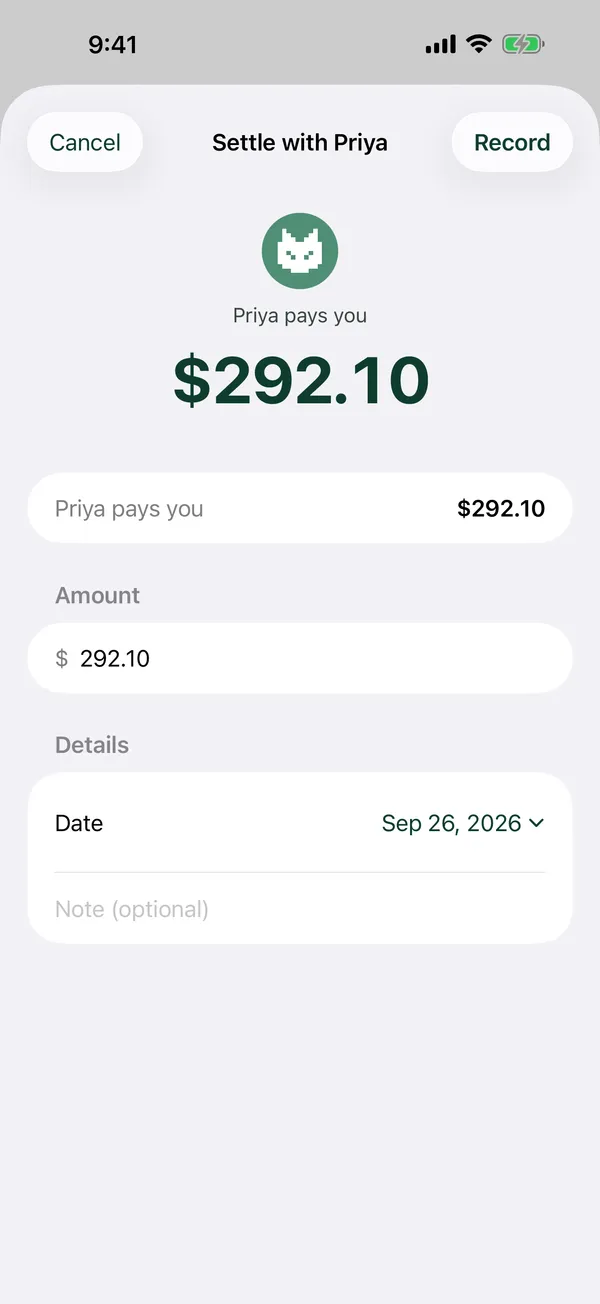
If you owe Maya for groceries and she owes you for concert tickets, you see one net balance, not two. When you're square, settle up with a tap, or clear everyone at once with Settle all.
06 · Activity
A history you can read and undo.
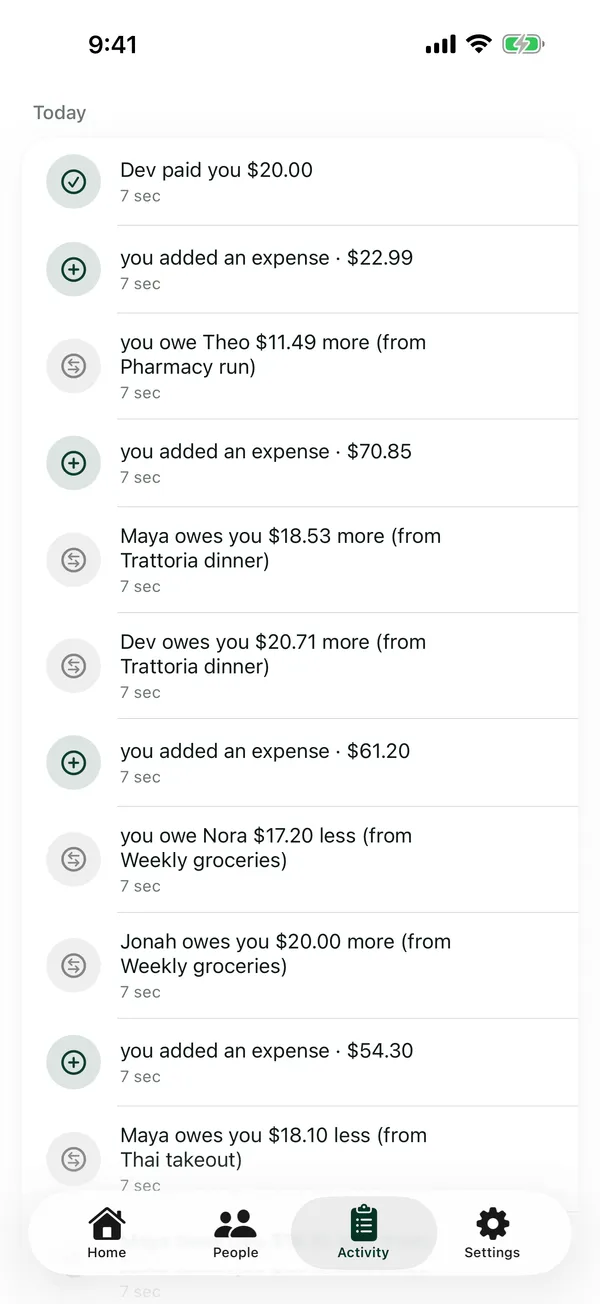
Every change is logged in plain English ("Maya owes you $18.53 more (from Trattoria dinner)"), and mistakes can be reverted from the log.
Works offline.
Your ledger is stored on your iPhone, so adding an expense never waits for signal.
No account needed to start.
Type your name and go. Sign in with your phone number when you want a backup you can restore on a new iPhone.
You can delete everything.
Delete your account from Settings at any time.
A look around
Home
People and groups
A group
One person
Settle up
Activity
How it works
1
Add an expense
Type it in or scan the receipt. $70.85 dinner, three people.
2
Pick how to split it
Evenly, by percentage, by exact amounts or item by item.
3
Settle up when you're ready
One tap records the payment and brings the balance back to zero.
Questions
Is two cats free?
[CONFIRM]
Do my friends need the app?
No. You keep track for everyone you share costs with; they don't need to install anything.
Can I split a receipt by item?
Yes. Scan the receipt, then tap who had each item. Tax is spread across the items in proportion to their prices.
Does it work without internet?
Yes. Everything is saved on your iPhone first.
Do I need an account?
No. You can use two cats without signing in. Signing in with your phone number lets you restore your data on a new iPhone.
Looking for a Splitwise alternative?
two cats covers the everyday essentials (groups, even and uneven splits, receipt scanning by item, repeating bills and settling up) in a simple iPhone app.
Is it on Android?
Not at the moment; two cats is iPhone-only.
How do I delete my data?
Settings → Delete account. See the privacy policy for what's removed.